
Best CS2 Price-Checking Tools for Smarter Skin Trades
CS2 price-checking tools can save you from bad trades, overpriced skins, and missed profit. Whether you flip skins daily or just want fair value for your inventory, tools like CSFloat, BuffHelper, and FloatDB make the market easier to read. Good traders don’t guess — they compare floats, watch demand, and track prices across multiple marketplaces before clicking “Buy.”
Featured Snippet
Best CS2 Price-Checking Tools Compared
| Tool | Best For | Main Strength | Weak Spot |
|---|---|---|---|
| BuffHelper | Buff163 users | Fast price comparisons | Limited analytics |
| CSFloat | General trading | Float + multi-market tracking | Some premium features |
| FloatDB | Trade-up crafting | Precise float analysis | Not ideal for casual trading |
| SkinClub Price Tracker | All-in-one users | Alerts + security tools | Slight learning curve |
Why CS2 Price-Checking Tools Matter
The CS2 skin market moves fast. A skin that looks “cheap” on Steam might still be overpriced compared to Buff163 or Skinport. That gap matters, especially if you trade high-liquidity skins like:
AK-47 | Redline

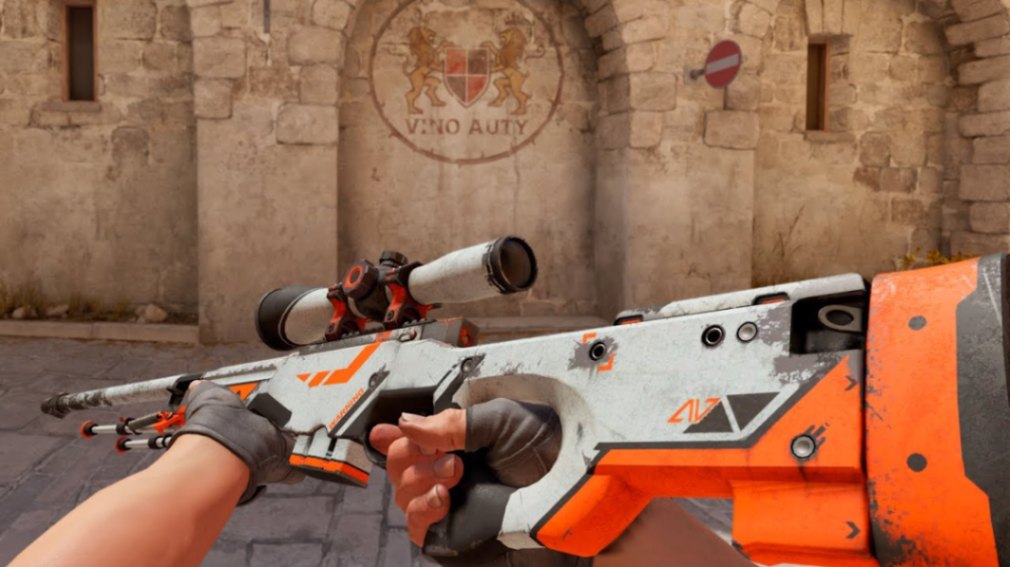
AWP | Asiimov
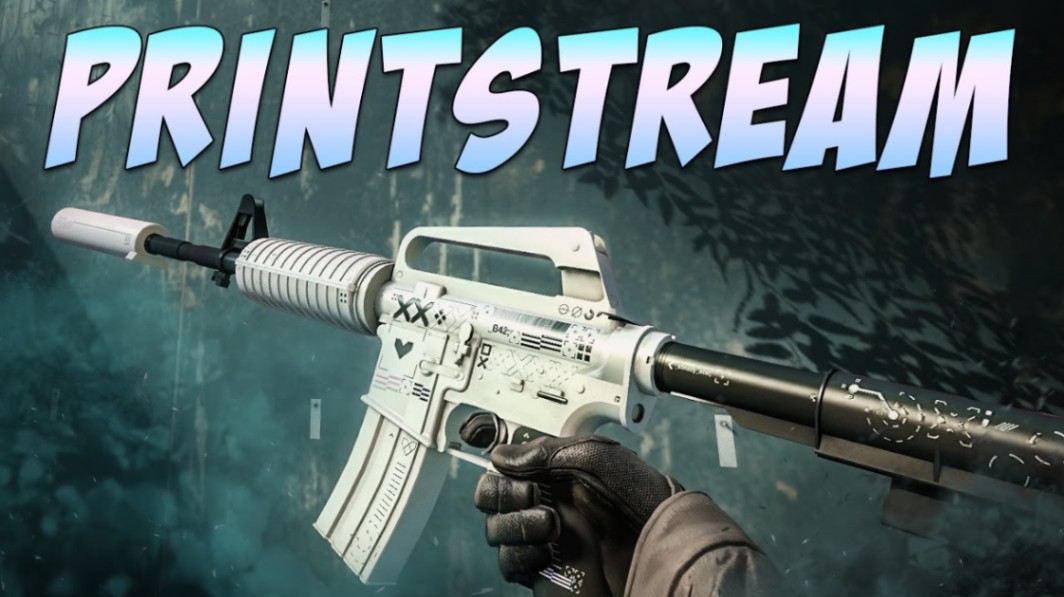
M4A1-S | Printstream
Good price-checking tools help with three things:
Comparing prices across markets
Checking float and pattern details
Spotting underpriced listings before they disappear
They’re also useful for sticker crafts, especially expensive holo combinations or older Kato 2014 setups where sticker placement changes value dramatically.
Pro tip: Always compare Buff163 pricing with Steam listings before buying liquid skins. Steam prices often move slower.
BuffHelper Review
Best for Buff163 Traders
BuffHelper is built around Buff163, so it works best for traders already using that marketplace heavily.
What It Does Well
Fast inventory scanning
Quick price overlays
Bulk item checks
Easy browser integration
The interface is simple. You don’t need to spend hours learning charts or filters.
Where It Falls Short
BuffHelper focuses mostly on Buff163 pricing. If you actively trade between Steam, CSFloat Market, Skinport, or Waxpeer, the lack of broader market coverage becomes noticeable.
It also doesn’t offer much historical analysis. You get current numbers, but not much context behind them.
Good Use Case
If you mainly flip liquid skins like Doppler knives or popular gloves on Buff163, BuffHelper keeps things fast and efficient.
CSFloat Review
Best All-Around CS2 Price-Checking Tool
CSFloat has become one of the most useful tools for serious traders because it combines float tracking with real marketplace data.
Why Traders Use It
Exact float values
Market comparisons
Pattern and seed checks
Sales history
Float rankings
This matters for skins where float changes appearance significantly. A low-float:
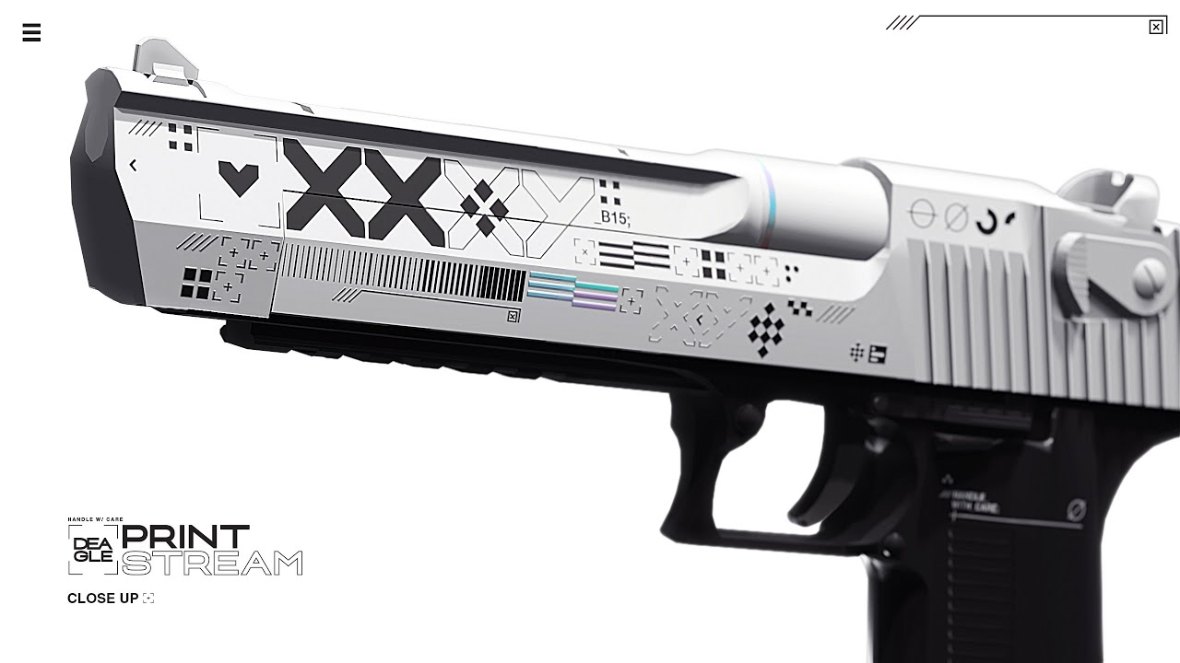
Desert Eagle | Printstream
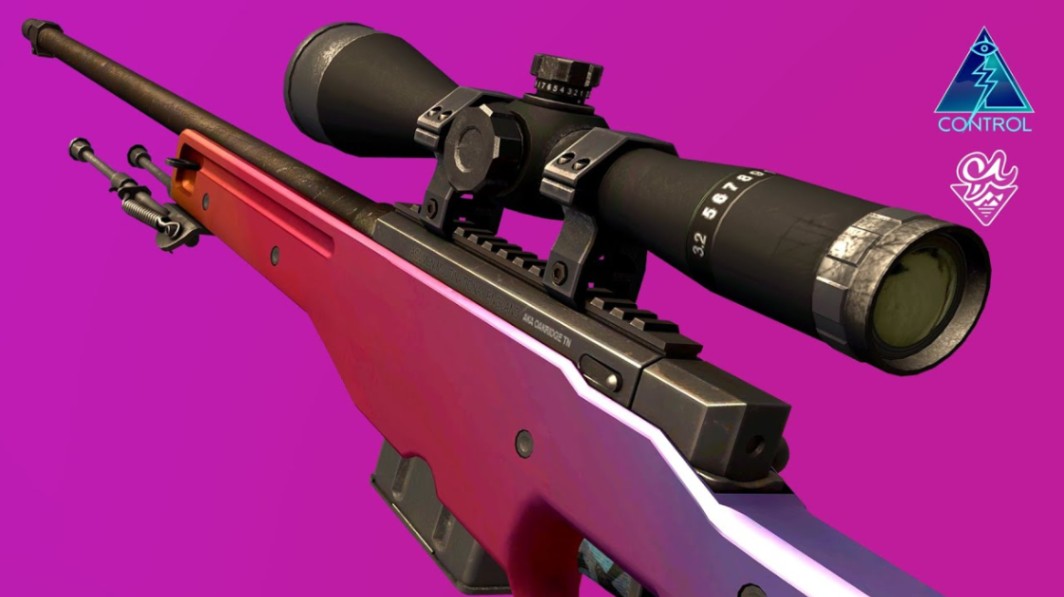
AWP | Fade
Karambit | Doppler
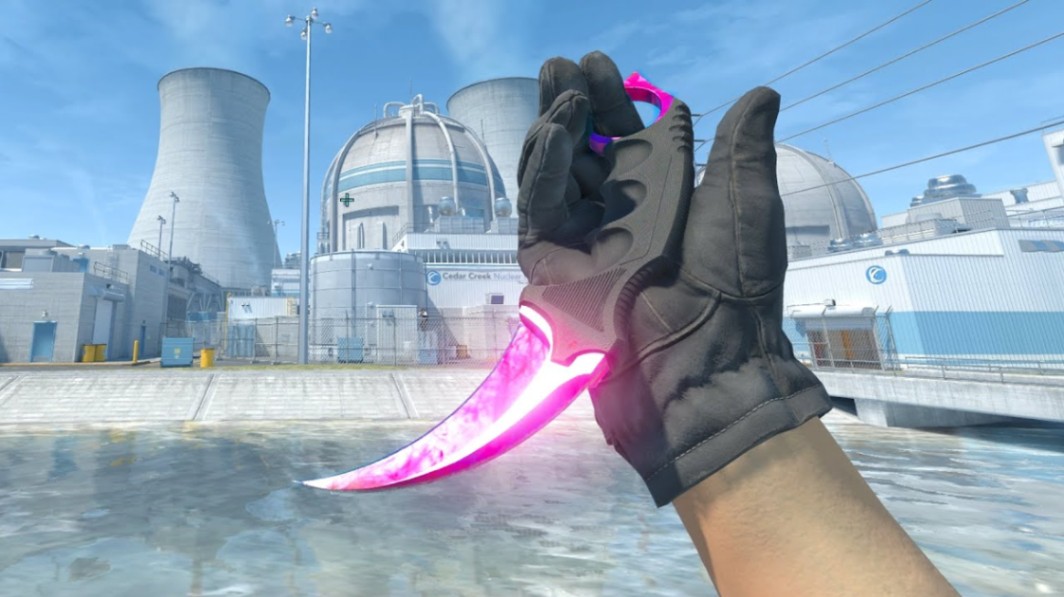
can trade very differently from average versions of the same skin.
Downsides
The free version covers most needs, but advanced tools and analytics are partially locked behind premium options. During heavy traffic, listings can also lag slightly behind live market updates.
Still, for most traders, CSFloat offers the best balance between usability and detailed data.
FloatDB Review
Best for Trade-Up Contracts
FloatDB is more specialized. It’s aimed at players who care about float math, trade-up outcomes, and crafting clean FN skins.
Key Features
Exact float calculations
Trade-up outcome analysis
Collection float ranges
Database of existing skins
If you’re trying to craft something like a low-float covert from a collection trade-up, FloatDB becomes extremely useful.
Why Float Matters
Trade-up profitability often depends on tiny float differences. A 0.01 average input can completely change the value of the output skin.
That’s especially true for popular collections with restricted float caps.
Not Ideal for Casual Users
FloatDB assumes you already understand float mechanics. Beginners may find the interface and data overwhelming.
SkinClub Price Tracker Review
Best All-in-One Trading Companion
SkinClub’s tracker mixes several tools together:
Price checking
Float tracking
Scam warnings
Market alerts
For newer traders, having everything in one place is convenient.
Standout Features
Custom alerts are especially useful for volatile items. Instead of manually checking prices all day, you can track drops or spikes automatically.
The verification system also helps when dealing with high-tier inventory screenshots or peer-to-peer trades.
Weak Spots
Some features are premium-only, and there’s more to learn compared to lightweight tools like BuffHelper.
Still, if you want one dashboard instead of five browser tabs, it works well.
Which CS2 Price-Checking Tool Is Best?
Pick BuffHelper If You:
Mainly use Buff163
Want speed over deep analytics
Prefer a simple interface
Pick CSFloat If You:
Trade across several marketplaces
Care about float precision
Want historical pricing data
Pick FloatDB If You:
Do trade-ups regularly
Craft FN skins
Need exact float calculations
Pick SkinClub Price Tracker If You:
Want alerts and security tools
Prefer an all-in-one setup
Actively manage a larger inventory
Common Mistakes Traders Make
Ignoring Float Differences
Not every FN skin is equal. A low-float FN often sells faster and for more than a borderline FN.
Overpaying for Stickers
Sticker crafts are subjective. A 4x holo craft may look amazing, but liquidity can still be poor.
Using Only Steam Prices
Steam pricing alone is unreliable for active trading. Always compare with third-party marketplaces.
Useful Resources for CS2 Traders
[Placeholder: CS2 Trade-Up Guide → URL]
[Placeholder: Best Knife Finishes in CS2 → URL]
[Placeholder: How Float Value Works → URL]
Prices and liquidity change—check current offers at the time of reading.
Key Takeaways
CS2 price-checking tools help prevent overpaying and improve trade decisions.
CSFloat is the strongest all-around option for most traders.
BuffHelper works best for Buff163-focused users.
FloatDB is excellent for trade-up contracts and float optimization.
Comparing multiple marketplaces is essential for accurate pricing.
Float, pattern, stickers, and liquidity all affect real skin value.
FAQ
What is the best CS2 price-checking tool?
For most traders, CSFloat offers the best mix of float tracking, market data, and usability. Specialized traders may prefer FloatDB or BuffHelper depending on their workflow.
Are CS2 price-checking tools accurate?
Usually, yes — but prices move constantly. Marketplace liquidity, sticker value, and float rarity can still affect real selling prices.
Does float value really matter in CS2?
Absolutely. Float impacts wear appearance and sometimes rarity. Certain skins gain significant value at very low floats or specific float ranges.
Is Buff163 better than Steam for price checks?
For many skins, Buff163 reflects market demand more accurately than Steam because of higher trading volume and more active pricing.
Can price-checking tools detect rare patterns?
Some can. CSFloat and similar tools often display pattern/seed information for skins where pattern value matters, like Case Hardened or Fade percentages.
Which tool is best for trade-ups?
FloatDB is one of the strongest options for trade-up analysis because it focuses heavily on float calculations and collection outcomes.