
How to Recover Lost Skins in CS2: What You Can Actually Do
Losing a valuable CS2 skin is every trader's nightmare. One minute, your AK-47 | Redline or Butterfly Knife | Doppler is sitting in your inventory. The next, it's gone. Whether you're dealing with a suspicious trade, a hacked Steam account, or a missing marketplace deposit, knowing how to recover lost skins can help you act quickly and avoid further damage.
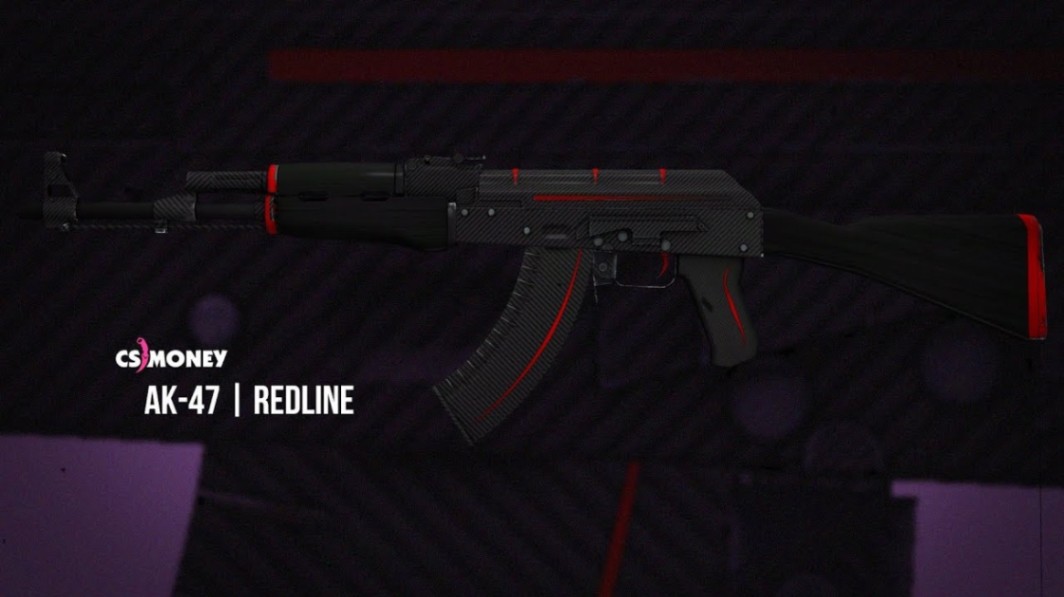
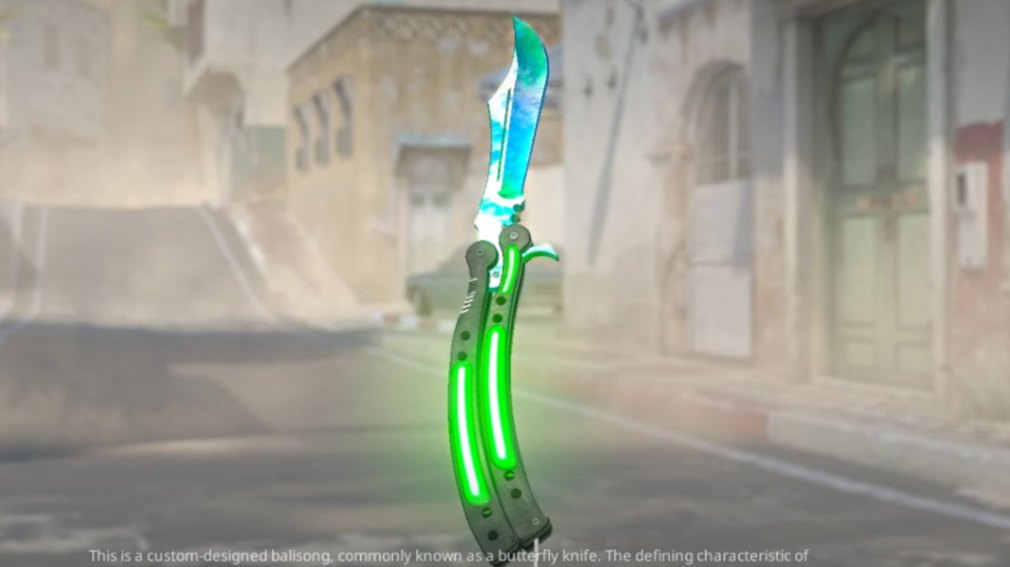
But there's one important catch: Steam generally does not restore items that have left your inventory through completed trades or market transactions. That makes identifying what happened your first priority.
How to Recover Lost Skins in CS2: Quick Answer
If your CS2 skins disappear, check your Steam inventory, trade history, Community Market transactions, and any third-party marketplace accounts you've used. If you suspect unauthorized access, secure your Steam account immediately and report the incident through official Steam Support.
Your recovery options depend on how the items disappeared.
|
Situation |
Can you recover the skin? |
Best action |
|---|---|---|
|
Temporary inventory display issue |
Usually, if the item never left your account |
Refresh Steam and check again |
|
Skin placed in a Storage Unit |
Yes, if you still control the account |
Open the Storage Unit |
|
Unauthorized trade |
Generally not through Steam restoration |
Secure your account and report the trade |
|
Accidental completed trade |
Only if the recipient voluntarily returns it |
Contact the recipient cautiously |
|
Completed Community Market sale |
Generally not reversible |
Review market history |
|
Missing third-party marketplace deposit |
Depends on the platform and transaction status |
Contact the marketplace's official support |
|
Skin stolen through phishing |
Restoration is generally unavailable |
Secure Steam and report the compromise |
The key is to distinguish between an item that's temporarily invisible and one that's permanently left your account.
1. Check Your Steam Inventory Before Assuming the Skin Is Gone
Before contacting support, make sure the item is actually missing.
Steam inventory pages can occasionally fail to load correctly. Filters, temporary service problems, and inventory synchronization delays can also make items harder to find.
Start with these checks:
-
Open Steam and navigate to Inventory.
-
Select Counter-Strike 2.
-
Remove active inventory filters.
-
Look for the missing weapon, knife, glove, or sticker.
-
Check any CS2 Storage Units you own.
-
Refresh the inventory or restart Steam.
For example, if your AWP | Asiimov isn't visible, don't immediately assume someone stole it. You might have placed it in a Storage Unit or overlooked it while browsing a large collection.
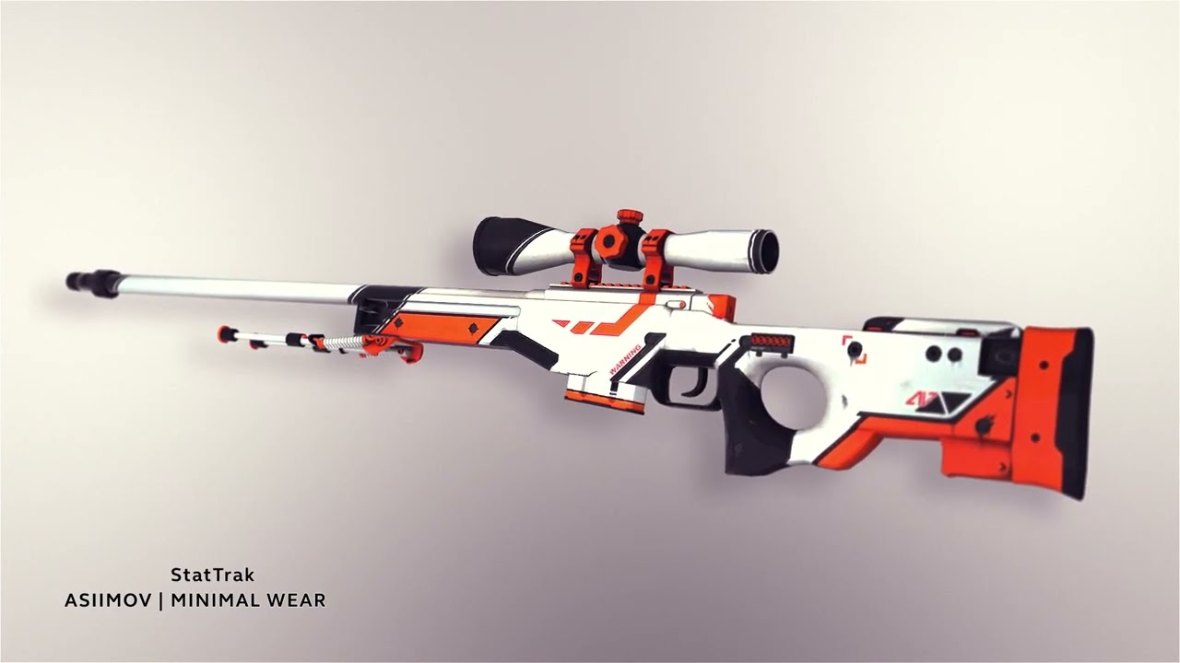
Remember that CS2 items can have similar names but different wear conditions.
An AK-47 | Redline (Field-Tested) isn't identical to a Minimal Wear version. Float values, applied stickers, and StatTrak status can also help distinguish individual items.
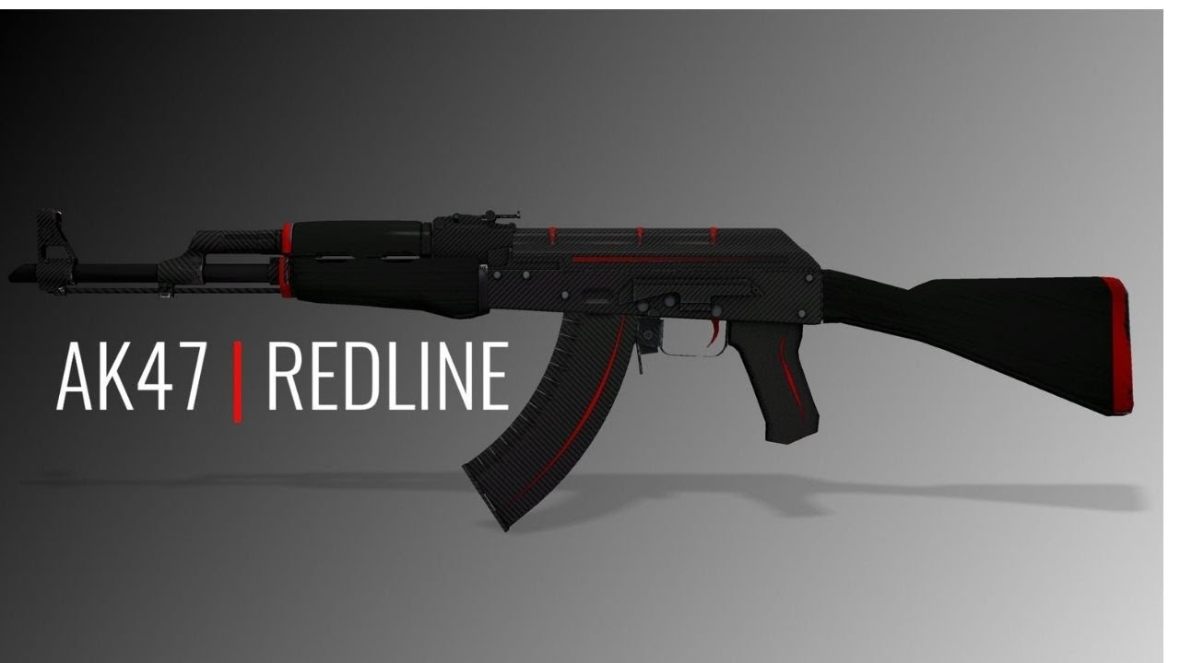
Pro tip: If you own multiple copies of a skin, record their float values and inspect links. This makes it easier to identify exactly which item disappeared.
2. Review Your Steam Trade History
If the skin isn't in your inventory, your next stop should be Steam's trade history.
This is especially important if you regularly exchange skins, use trading bots, or transfer items between accounts.
How to check recent trades
-
Open your Steam Inventory.
-
Navigate to Trade Offers.
-
Open your trade history.
-
Review recent completed exchanges.
-
Look for the missing item and the account that received it.
Pay attention to trades you don't remember approving.
For example, suppose you traded several inexpensive skins but later noticed your M9 Bayonet | Doppler was missing.
Check whether the knife was included in a completed trade. If it was, compare the recipient's Steam profile with the person you intended to trade with.
Scammers sometimes impersonate legitimate traders or use deceptive account names and avatars.
What if the trade was unauthorized?
Steam's item restoration policy is strict.
Steam Support generally does not restore items lost through completed trades, even when the trade resulted from account theft or deception.
However, you should still report the incident.
An official report can help Steam investigate suspicious activity and take appropriate action against accounts involved in scams.
Official resource: Steam Support
3. Check Your Steam Community Market History
Not every missing skin was traded.
Sometimes, an item disappears because it was sold through the Steam Community Market.
This can happen when players manage large inventories or accidentally list the wrong item.
How to investigate a missing market item
Open the Steam Community Market and navigate to your market history.
Review recent transactions and look for the missing skin.
Check the item's name, wear condition, and transaction details.
For example, if you owned multiple Desert Eagle | Printstream skins, make sure you didn't accidentally sell the wrong float.
Can you reverse a completed Steam Market sale?
Generally, no.
Completed Community Market transactions are not covered by a general 48-hour refund window.
Steam's standard game refund policy should not be confused with CS2 item transactions.
If the skin was sold without your authorization, report the suspicious activity and secure your account.
If you simply listed the wrong item and the sale completed, you generally cannot force the buyer to return it.
4. Contact Steam Support About Missing CS2 Skins
If you cannot explain why an item disappeared, contacting Steam Support is a sensible next step.
Just keep your expectations realistic.
Steam can help investigate account-related problems, but contacting support does not guarantee the return of lost inventory items.
What information should you provide?
Include as much relevant evidence as possible.
|
Information |
Why it matters |
|---|---|
|
Skin name |
Identifies the missing item |
|
Exterior condition |
Distinguishes FN, MW, FT, WW, and BS versions |
|
Float value |
Helps identify a specific skin |
|
Pattern or paint seed |
Useful for pattern-dependent finishes |
|
StatTrak status |
Distinguishes StatTrak versions |
|
Applied stickers |
Helps identify customized weapons |
|
Trade history |
Shows when and where the item moved |
|
Screenshots |
Supports your explanation |
|
Approximate disappearance time |
Helps establish the incident timeline |
For valuable skins, additional details can be particularly useful.
Imagine losing an AK-47 | Case Hardened with a desirable blue pattern or a weapon carrying Katowice 2014 holo stickers.

A generic item name isn't enough to distinguish it from similar skins.
Include the paint seed, float, sticker details, and any available transaction records.
What should you expect?
Steam Support may review your report and provide guidance about account security or suspicious transactions.
However, Steam's published policy generally excludes restoration of items lost through trades and market activity.
Never trust someone claiming to be a Steam administrator who promises to recover your skins in exchange for a fee.
Official resource: Steam Trading and Item Restoration FAQ
5. Secure Your Steam Account After a Suspected Hack
If your skins disappeared without your permission, account security becomes more important than anything else.
A compromised Steam account can expose your remaining inventory, wallet funds, and personal information.
Change your Steam password
Start by changing your password from a trusted device.
Choose a unique password that you haven't used on other websites.
If your email account might also be compromised, secure it before continuing.
Enable Steam Guard Mobile Authenticator
Steam Guard provides additional protection against unauthorized account access.
Install the official Steam Mobile app and enable the mobile authenticator.
This adds an important security layer to login and trade confirmation processes.
However, remember that authentication tools cannot protect you if you knowingly approve a fraudulent transaction.
Always inspect trade details before confirming.
Check connected devices and suspicious access
Review your Steam account's authorized devices and remove unfamiliar sessions.
Also inspect your computer for malware.
If you recently logged into a suspicious trading website, consider whether your credentials or active session were exposed.
Review Steam API access
Some trading scams involve stolen credentials, deceptive trade offers, or unauthorized account access.
If you have used Steam Web API keys, review your account's API access and revoke any key you do not recognize.
Do not assume every suspicious trade involves an API key. Modern scams can use several different methods.
Pro tip: Never enter your Steam password into a login form opened from an unsolicited Discord message, trading offer, or tournament invitation. Open Steam's official website directly instead.
For more security advice, see [Placeholder: How to Protect Your Steam Account from Hacking → URL].
6. How to Recover Lost Skins From Third-Party Marketplaces
Not every missing CS2 skin involves Steam directly.
If you use external trading marketplaces, the item might be pending in a deposit, withdrawal, sale, or bot transaction.
Platforms such as Skinport and BUFF163 have their own transaction systems and support procedures.
Check the marketplace transaction status
Before opening a support ticket, review:
-
Your deposit and withdrawal history.
-
Pending or completed transactions.
-
The Steam account connected to the marketplace.
-
The trade offer and recipient details.
-
Any platform notifications or transaction errors.
For example, if you deposited a knife into a marketplace and it disappeared from your Steam inventory, that alone doesn't mean the item was stolen.
The platform may be holding the item as part of its normal transaction process.
However, never assume an item is safe without verifying the transaction through the marketplace's official website.
Contact the platform's support team
If the transaction looks suspicious, contact the marketplace directly.
Provide the transaction ID, trade information, and screenshots.
Whether the platform can help depends on its policies, custody arrangements, and the transaction's actual status.
Avoid unofficial Discord accounts claiming to represent marketplace support.
7. Watch Out for Fake CS2 Skin Recovery Services
Losing an expensive skin makes players vulnerable to a second scam.
Fraudsters know that someone who just lost a rare knife may be willing to take risks to get it back.
Common recovery scams include:
-
Fake Steam Support employees offering item restoration.
-
Websites promising to reverse completed trades.
-
Discord users claiming they can retrieve stolen skins.
-
Services requesting Steam login credentials or authentication codes.
-
Scammers demanding a recovery deposit before returning an item.
These offers are major red flags.
No third-party service can guarantee the reversal of a completed Steam trade.
Even if someone claims to know a Steam administrator, don't share your password, Steam Guard codes, or recovery information.
If a suspicious account contacts you, report and block it.
8. Can You Recover Skins After an Accidental Trade?
Accidental trades are frustrating because there may be no account compromise involved.
You might have selected the wrong item, accepted an unfavorable exchange, or sent a skin to the wrong recipient.
Once a trade is completed, Steam generally won't reverse it.
What are your options?
If you know the recipient, you can politely ask whether they're willing to return the item.
Explain the mistake and provide the relevant transaction details.
However, the recipient is not guaranteed to cooperate.
Do not send additional skins or money as a supposed recovery fee.
If the trade involved a marketplace, use its official dispute or support process where applicable.
For future exchanges, always review the complete trade offer before approving it.
A few extra seconds can prevent a costly mistake.
For safer trading practices, see [Placeholder: How to Transfer CS2 Skins Safely → URL].
9. How to Prevent Losing CS2 Skins Again
Recovering lost skins is difficult. Preventing the loss is much easier.
Whether you're holding budget play skins or building a high-value collection, a few habits can make a difference.
Keep detailed inventory records
Screenshots alone won't recover stolen items, but they can help document ownership and identify missing skins.
For valuable items, consider recording:
-
Weapon and finish.
-
Exterior and float value.
-
Paint seed.
-
StatTrak status.
-
Applied stickers.
-
Relevant inspect links.
-
Purchase or trade records.
This is particularly useful for collectors dealing with rare patterns, expensive stickers, or multiple versions of the same finish.
Verify every trade recipient
Before confirming a trade, inspect the recipient's profile and the actual items included.
Do not rely solely on usernames or avatars.
Scammers can copy profile pictures, display names, and other visible account details.
Avoid suspicious trading websites
Fake giveaways, phishing pages, and impersonated tournament platforms remain serious risks.
Use trusted websites, verify domains, and avoid following unexpected login links.
For additional advice, see [Placeholder: Common CS2 Trading Scams and How to Avoid Them → URL].
Understand Steam's item protection rules
CS2 item restrictions and trading systems can change through game updates.
Some transactions may involve temporary restrictions or other protections, but these should never be treated as a universal guarantee that a lost skin can be recovered.
Always check the current Steam and CS2 rules before relying on a particular recovery mechanism.
10. CS2 Trade Protection: Can You Reverse a Recent Trade?
CS2's Trade Protection system is especially relevant when investigating recently traded items.
Introduced in July 2025, the system allows eligible Counter-Strike 2 trades to be reversed within a limited period.
This is an important exception to the usual rule that completed Steam trades are final.
How does Trade Protection work?
Eligible CS2 items received through trades carry a temporary Trade Protected status.
Under the system's original rules, qualifying trades could be reversed within seven days.
Reversing trades can also trigger a temporary restriction on trading and using the Community Market.
What should you do?
If you recently lost a skin through a trade:
-
Open your Steam trade history.
-
Check whether the transaction qualifies for Trade Protection.
-
Look for the official reversal option.
-
Review the consequences before confirming.
Trade Protection does not apply to every kind of item transfer or transaction.
For example, you should not assume a Community Market sale or an external marketplace withdrawal can be reversed using this feature.
Because Valve can change eligibility rules and restrictions, verify the current conditions directly in Steam.
Official resource: Counter-Strike Updates
Key Takeaways
-
Check your inventory first. Missing skins may be hidden in Storage Units or affected by temporary display issues.
-
Review trade and market history. Identify exactly when and how the item left your account.
-
Check Trade Protection eligibility. Some recent CS2 trades may qualify for reversal under Valve's protection system.
-
Secure compromised accounts immediately. Change passwords, review sessions, and enable Steam Guard.
-
Use official support channels. Steam and legitimate marketplaces can investigate issues, but item restoration is not guaranteed.
-
Avoid recovery scammers. Anyone requesting your login credentials or an upfront recovery payment should be treated as suspicious.
FAQ: Recovering Lost CS2 Skins
Can you recover stolen skins in CS2?
Sometimes, depending on how the items were transferred. Eligible recent trades may qualify for reversal through CS2 Trade Protection. Outside applicable protection mechanisms, Steam generally does not restore stolen items transferred through completed trades.
Does Steam Support return scammed skins?
Steam Support generally does not restore items lost through scams or completed trades. You can still report fraudulent activity, secure your account, and check whether the transaction qualifies for an official reversal mechanism.
How long do I have to recover lost CS2 skins?
There is no universal recovery window. Under the Trade Protection system introduced in July 2025, eligible trades had a seven-day reversal period. Check the current transaction details in Steam because eligibility and restrictions can change.
Can I recover a skin accidentally sold on the Steam Market?
Completed Steam Community Market sales generally cannot be reversed. You can review your market history to confirm the transaction, but Steam does not offer a standard refund process for accidentally sold CS2 skins.
What should I do if my CS2 skins disappeared overnight?
Check your inventory, Storage Units, trade history, and Community Market transactions. If you discover unauthorized activity, secure your Steam account immediately, review Trade Protection eligibility, and report the incident through Steam Support.
Can a third-party website recover stolen CS2 skins?
No legitimate third-party service can guarantee the recovery of stolen skins or independently reverse Steam transactions. Marketplaces may help investigate transactions conducted through their own systems, but they cannot override Steam's item restoration policies